

1. Introduction
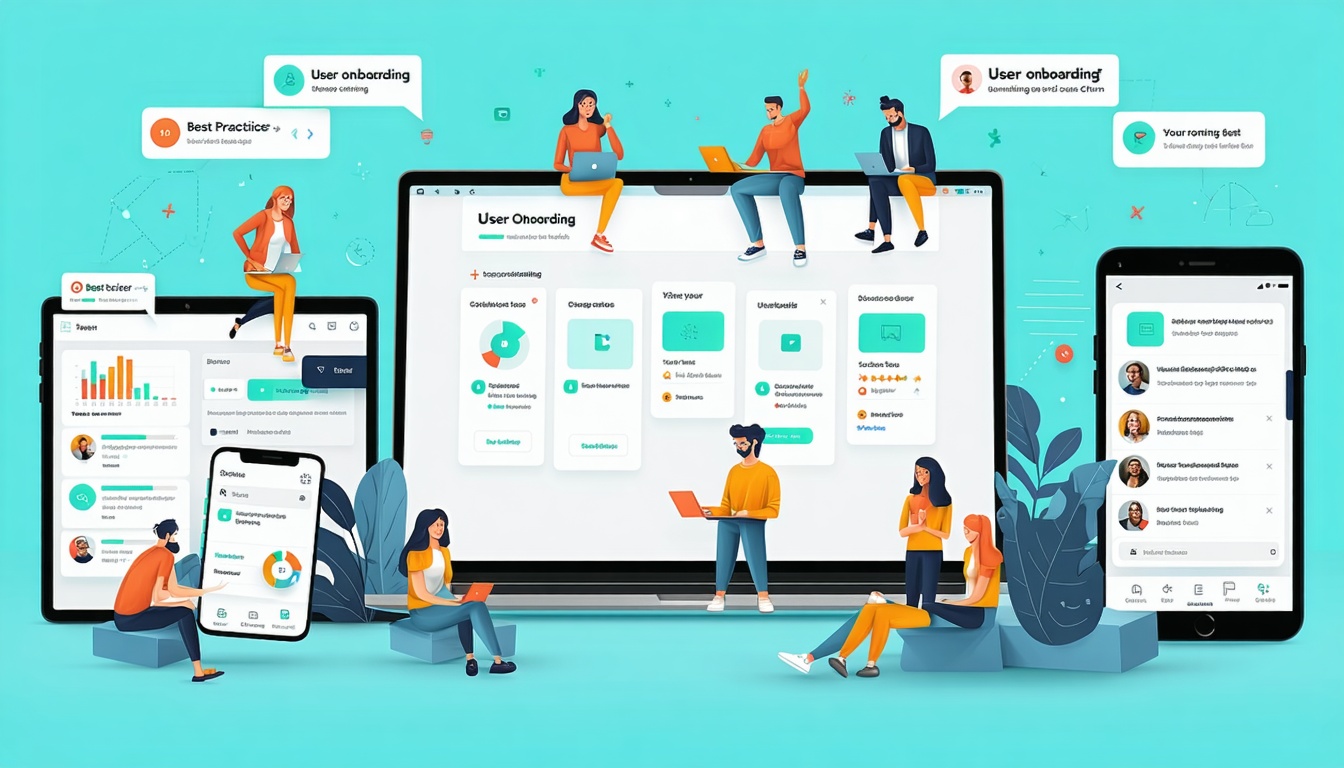
Today’s users access apps on a variety of devices—smartphones, tablets, foldables, and even smart TVs. Designing apps that adapt seamlessly to different screen sizes isn’t optional; it’s essential for usability, accessibility, and long-term user retention.
Responsive app design ensures that no matter the device, users experience a consistent, intuitive interface without distortion or usability issues.
2. Why Screen Adaptability Matters
- User experience consistency: A design that looks good on one device should feel just as smooth on another.
- Device diversity: Android alone supports thousands of screen resolutions.
- Future readiness: With foldable devices and wearables on the rise, adaptability ensures apps won’t become outdated.
- Accessibility: Scalable designs help users with different needs, such as larger text or alternative input methods.
3. Common Screen Size Challenges for App Designers
Device Fragmentation
Different screen resolutions, pixel densities, and form factors make uniform design difficult.
Orientation Shifts
Users often switch between portrait and landscape modes—designs must remain usable in both.
Aspect Ratio Differences
From ultra-wide tablets to compact smartphones, varying aspect ratios can distort layouts if not handled properly.
Accessibility Across Devices
Elements that look fine on larger screens may appear too small or cluttered on smaller ones.
4. Design Principles for Responsive Mobile Apps
Flexible Layouts
Use relative units (like percentages or ems) instead of fixed pixels to ensure fluidity. Grids and constraint-based layouts can help maintain proportions.
Scalable Typography and Icons
Design text and icons that adjust dynamically without losing readability or clarity.
Adaptive Images and Media
Implement responsive images that scale or load differently depending on screen resolution and bandwidth.
Touch-Friendly Design
Ensure tap targets are large enough across devices, maintaining at least 44×44 pixels for interactive elements.
5. Tools and Frameworks for Adaptive Design
- Flutter – Cross-platform framework with adaptive UI widgets.
- React Native – Offers responsive styling and device-specific rendering.
- SwiftUI / Jetpack Compose – Native frameworks supporting dynamic layouts.
- Figma & Sketch – Prototyping tools with constraints and responsive design features.
6. Best Practices for Testing Across Devices
- Use emulators and simulators to preview different screen sizes.
- Conduct real-device testing, especially for performance and touch interactions.
- Implement breakpoints to define layout changes at specific screen widths.
- Test across portrait and landscape modes.
- Validate accessibility features like dynamic text scaling and high-contrast modes.
7. Future of Multi-Screen App Design
The rise of foldable smartphones, AR/VR interfaces, and wearable devices will push adaptability further. Apps will need to seamlessly transition between expanded and compact views, offering context-aware layouts that respond to user needs.
AI-driven design systems may even allow apps to auto-optimize layouts for new devices without manual redesign.
8. Conclusion
Designing apps for different screen sizes isn’t just a technical requirement—it’s about building trust through consistent, accessible, and flexible experiences.
By embracing responsive layouts, scalable design elements, and rigorous testing, developers can future-proof their apps against device fragmentation. In a multi-screen world, adaptability is no longer a luxury; it’s the foundation of great app design.
Want to grow your business online with smarter strategies? Kara Digital offers data-driven digital marketing services and powerful AI solutions to help you scale faster and more efficiently. Let’s turn your vision into measurable success.


